Can Google Lens Translate Manga? What It Gets Right — and Where It Breaks
Google Lens can translate a speech bubble in a pinch, but manga pushes it past its limits: vertical Japanese, sound effects, and paste-over boxes that hide the art. Here's an honest look at when Lens is enough and what to use when it isn't.
Point your camera at a menu in Tokyo and Google Lens feels like magic. Point it at a manga page and the magic gets patchy: some bubbles translate, some don't, the text floats in white boxes over the art, and by page three you're fighting the tool instead of reading.
Short answer: yes, Google Lens can translate manga — one bubble at a time, roughly, and at the cost of the artwork. Whether that's enough depends entirely on what you're trying to do. Here's the honest breakdown.
What Google Lens does well
Credit where it's due. Lens is genuinely good at:
- Zero setup. It's already on your phone. Camera, tap, done.
- A single bubble. One line of printed, horizontal text in a clean bubble usually comes back readable. For "what did this sign say?" moments, it's the fastest option there is.
- The gist. If you only need to know roughly what's happening on a page you stumbled across, Lens gets you there for free.
If that's your use case — an occasional panel, a cover blurb, a chapter title — you don't need anything else, and you can stop reading here.
Where manga breaks it
Manga is close to a worst-case input for a general-purpose lens translator, for reasons built into the format:
1. The translation sits on top of the art. Lens pastes its output in flat boxes over the original text. On a document that's fine; on a manga page the bubbles, the lettering, and often half the drawing disappear under white rectangles. You're no longer reading a comic — you're reading sticky notes on a comic.

What you want to keep: the drawing. Lens-style white boxes hide it.
2. Vertical Japanese. Manga dialogue is typeset top-to-bottom, right-to-left (tategaki), often with furigana readings beside the kanji. General OCR is built for horizontal lines, and vertical columns are where reading order starts to scramble — lines merge, split, or come back in the wrong sequence.
3. Sound effects and handwritten text. Half the storytelling lives in the drawn sound effects and scribbled asides. Stylized, warped, overlapping the art — this is exactly what a general text detector misses or mangles first.
4. Dialogue isn't documents. Manga speech is colloquial, fragmented, and context-heavy. Translating each bubble in isolation — with no idea who's speaking or what happened two panels ago — produces lines that are technically translated and still make no sense.
5. There's no reading workflow. Lens is a camera moment, not a reader. Every page means re-scanning, re-framing, re-tapping. Nobody reads a volume like that.
None of this is a knock on Lens — it's a universal tool being asked to do a specialist's job.
What a manga-specific translator does differently
A tool built for manga starts from the opposite end: the page is a drawing first, and the translation has to live inside it.
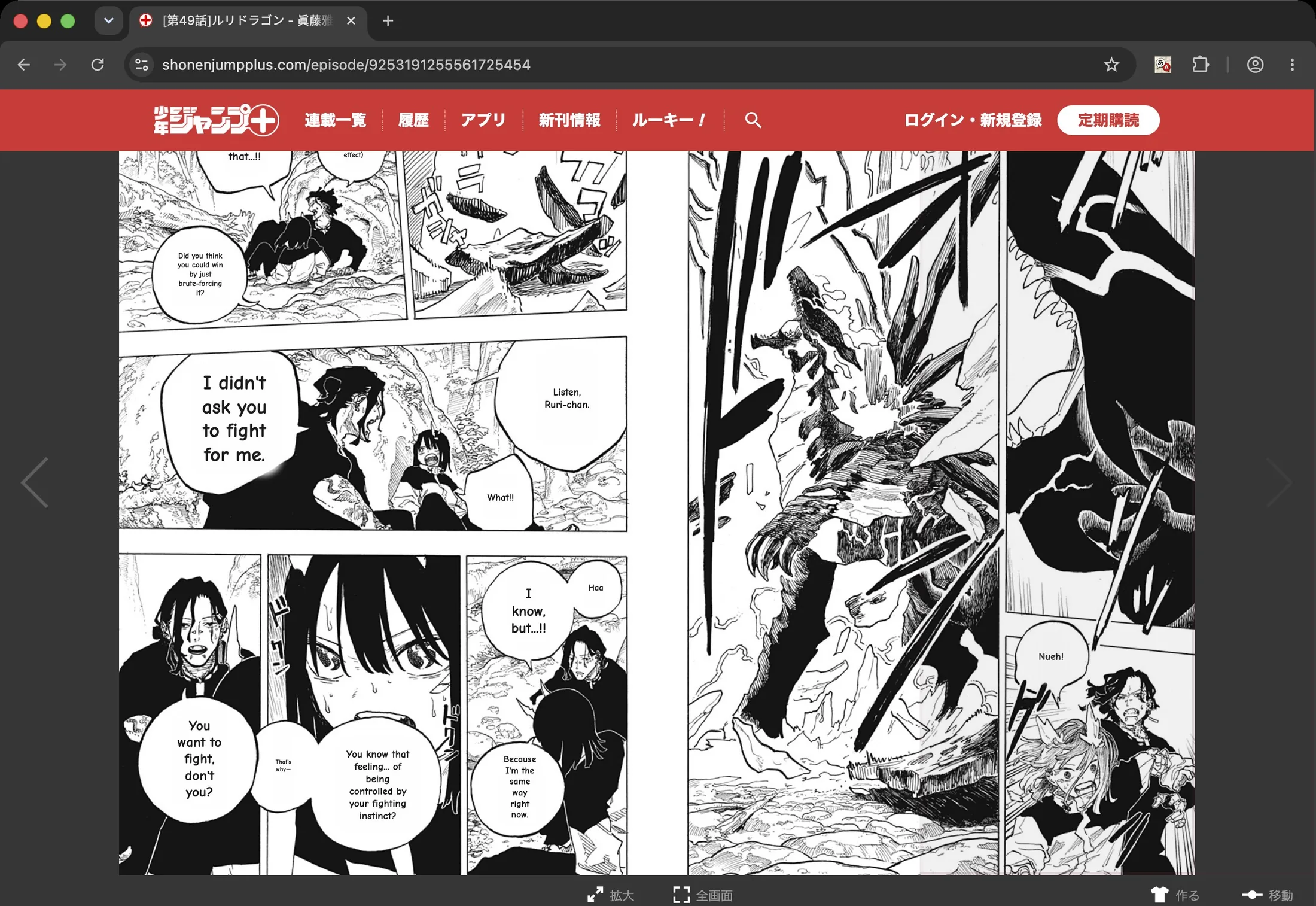
The manga-native result: lettering erased, translation set back into the bubble shapes — on the publisher's own page, address bar and all.
Sumi handles the manga-shaped problems directly:
- The original text is erased, not covered. An inpainting model removes the lettering and restores the art behind it, then the translation is re-typeset inside the original bubble shape — vertical Japanese stays vertical. The page still looks drawn.
- Bubbles, captions, and sound effects are detected as manga, not as stray text — including the handwritten and stylized kind.
- The whole page translates at once, with the page as context, and whole chapters flow through the reader app or the Chrome extension on the page you're already reading.
- When a line reads wrong, you fix that bubble in a tap instead of re-scanning the page.
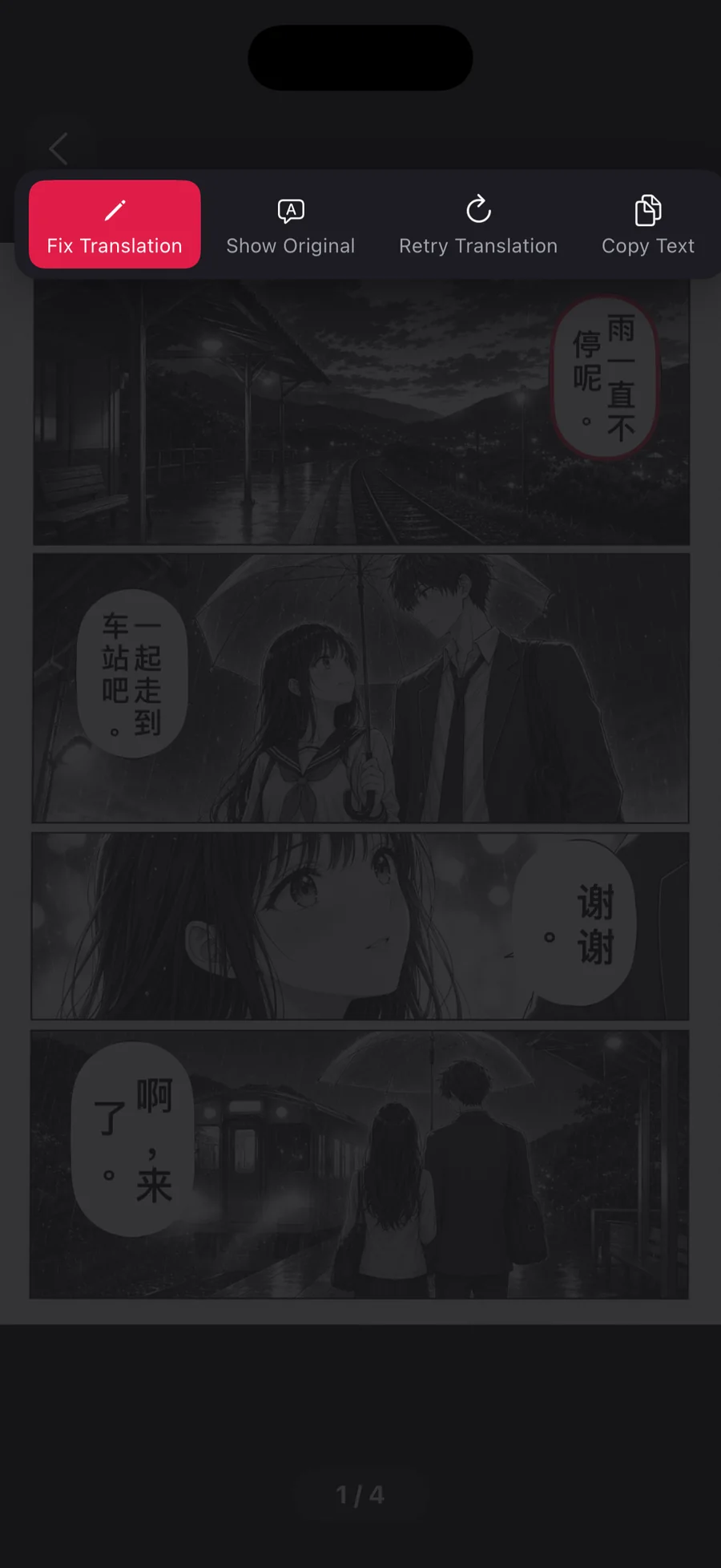
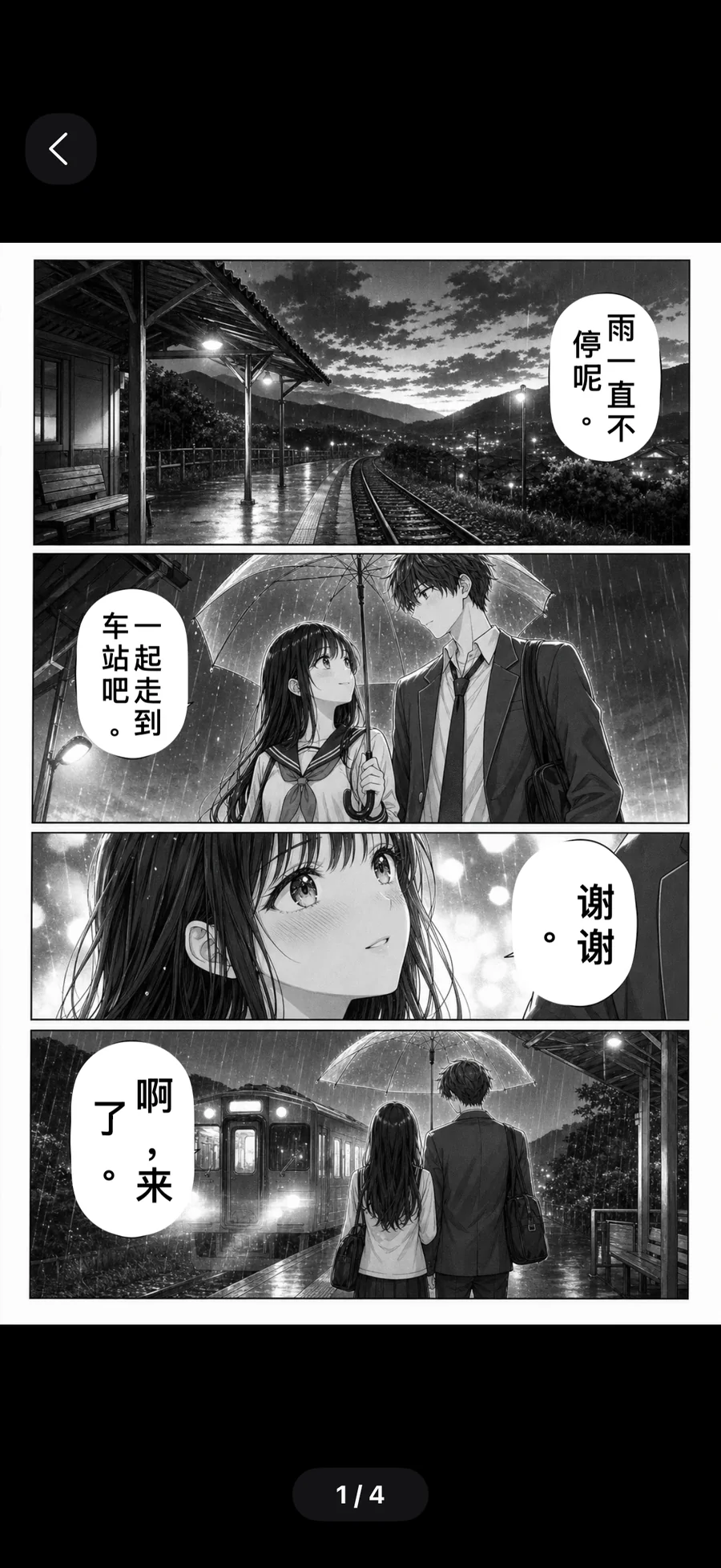
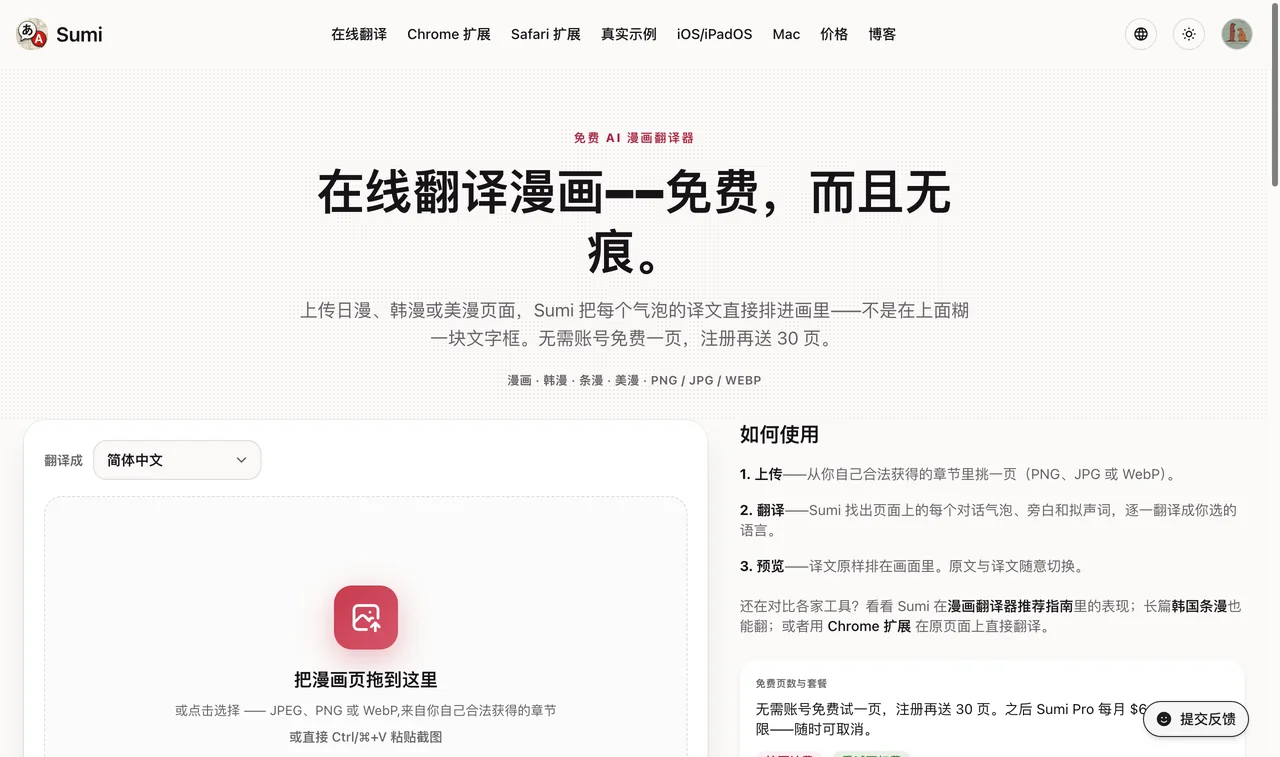
You can try it on one page in your browser, free, with no account — run the same page through Lens and compare the two outputs side by side. That comparison is more convincing than anything we could write here.
So: Lens or a manga translator?
| You want to… | Use |
|---|---|
| Understand one bubble or a cover, right now | Google Lens |
| Get the rough gist of a random page | Google Lens |
| Actually read a chapter in your language | An AI manga translator |
| Keep the artwork intact while you read | A manga translator |
| Get a Japanese screenshot or photo back as an English image | A Japanese image translator |
| Read raws of a series that was never licensed | A manga translator — see how to read raw manga in English |
One note that applies to both: translate manga you have a right to read — your own purchases, official free chapters, public-domain titles. A translator is neutral; what you point it at isn't. Sumi never hosts or links to manga; it only translates the pages you open.
Curious what "typeset back into the art" means in practice? The scanlation app page shows the pipeline — clean, redraw, translate, typeset — that runs on every page.