Manga Translator Chrome Extension — Translate Manga in Your Browser
The Sumi manga translator chrome extension translates the page you are already reading — original text erased, your language re-typeset into the art. No copy-paste, no uploads, no white text boxes. Sumi cleans, redraws and typesets the translation live on the manga site you’re reading — start without an account, and the bubbles appear one by one as they finish.
Using Firefox? Get the add-on instead →
Chrome extensions don't run on phones — but Sumi does.
- Live on the Chrome Web Store
- 5 free pages on sign-up
- No browsing history collected
How the manga translator Chrome extension works
Sumi only acts on the page in front of you — no crawling, no full-site scraping, no paywall bypassing. Manga, manhwa, and webtoons; vertical CJK too.
Open the page
On a chapter you’re reading, click the Sumi icon. It finds the visible manga images — and nothing else.
Click Translate
The translation appears over every detected bubble, right on the page. Click any bubble to compare the original.
Pick any panel
Sumi missed one? Select any image on the page and it’s translated too. When you’re done, one click clears every overlay.
Two ways to translate
Click Translate for the page in front of you, or turn on auto-translate and each page you turn arrives translated.
Hover a manga page and click Sumi’s Translate button — the balloons are re-lettered in place. Turn the page and do it again.
Open Sumi’s dock, switch on auto-translate for the site, and every page you turn to arrives translated — nothing to click.
Real pages from official platforms


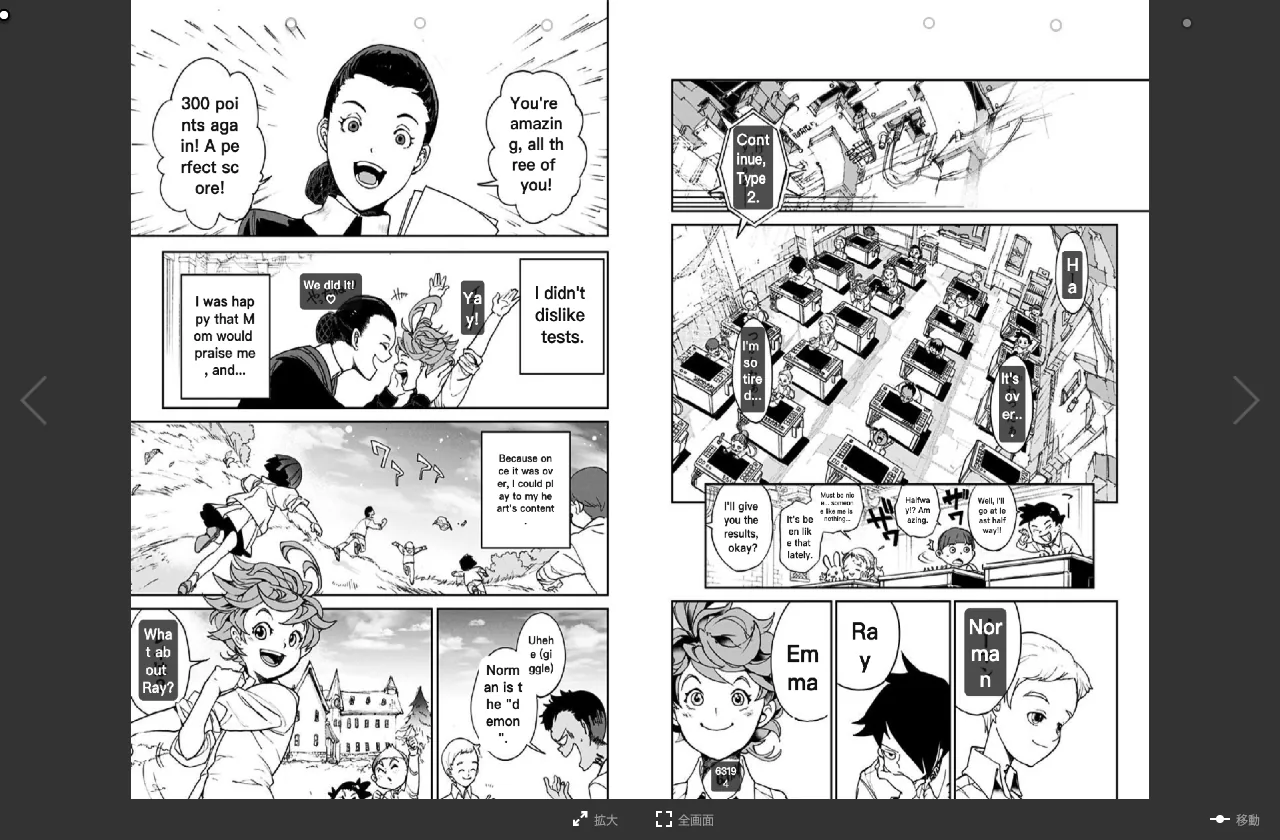
Sumi, on the publishers’ own sites
Captures straight from our own runs on official manga platforms. Works on 110+ real manga sites — install Sumi and open the one you read.
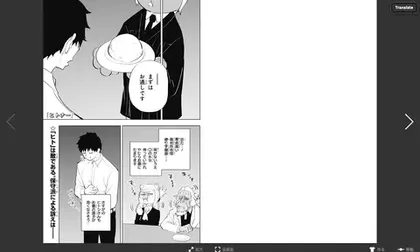


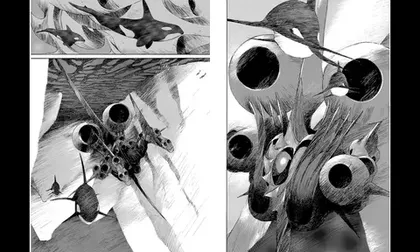


 shonenjumpplus.com
 mangaplus.shueisha.co.jp
 zebrack-comic.shueisha.co.jp
 jumptoon.com
 tonarinoyj.jp
 ynjn.jp
 rookie.shonenjump.com
 pocket.shonenmagazine.com
 comic-days.com
 yanmaga.jp
 kuragebunch.com
 manga-one.com
 corocoro.jp
 comic-walker.com
 comic.pixiv.net
 comico.jp
 ganma.jp
 global.manga-up.com
 championcross.jp
 youngchampion.jp
 younganimal.com
 comic-zenon.com
 comic-gardo.com
 comic-ryu.jp
 comic-growl.com
 comic-meteor.jp
 ichicomi.com
 mechacomic.jp
 booklive.jp
 viewer.heros-web.com
- See every site we run against
Shonen Jump+, MANGA Plus, Comic Walker and 27 more official platforms · translated into 134 languages · readers in 120+ countries.
Does Sumi work on the site you read?
The wall above shows official platforms only. Enter the site you read and we’ll tell you whether it was in our latest test pass.
How the check works
- Your address is looked up against the 106 sites from our August 2026 test pass.
- Official platforms are retested regularly; the other sites were tested one by one.
- Not on the list? Many more sites work — install Sumi and try yours. The first page is free.
Only the address you enter is sent to our server, to look it up. Nothing else.
Translate into 134 languages
Set your target language once in the popup. Every page you translate is re-lettered into it.
The Chrome Web Store build translates into these 24:
- English
- Español
- Français
- Português (BR)
- Deutsch
- Italiano
- Nederlands
- 简体中文
- 繁體中文
- 한국어
- 日本語
- Русский
- Bahasa Indonesia
- Tiếng Việt
- العربية
- Türkçe
- বাংলা
- Filipino
- हिन्दी
- Melayu
- Polski
- Svenska
- ไทย
- Українська
The v0.9.21 build adds 110 more — download it below now, or wait for the store update:
- Afrikaans
- Akan
- Shqip
- አማርኛ
- Հայերեն
- অসমীয়া
- Aymara
- Azərbaycan
- Euskara
- Беларуская
- भोजपुरी
- Bosanski
- Български
- မြန်မာ
- Català
- Cebuano
- کوردیی ناوەندی
- Corsican
- Hrvatski
- Čeština
- Dansk
- Divehi
- डोगरी
- Esperanto
- Eesti
- Eʋegbe
- Suomi
- Galego
- Luganda
- ქართული
- Ελληνικά
- Guarani
- ગુજરાતી
- Haitian Creole
- Hausa
- ʻŌlelo Hawaiʻi
- עברית
- Hmong
- Magyar
- Íslenska
- Igbo
- Iloko
- Gaeilge
- Jawa
- ಕನ್ನಡ
- Қазақ тілі
- ខ្មែរ
- Ikinyarwanda
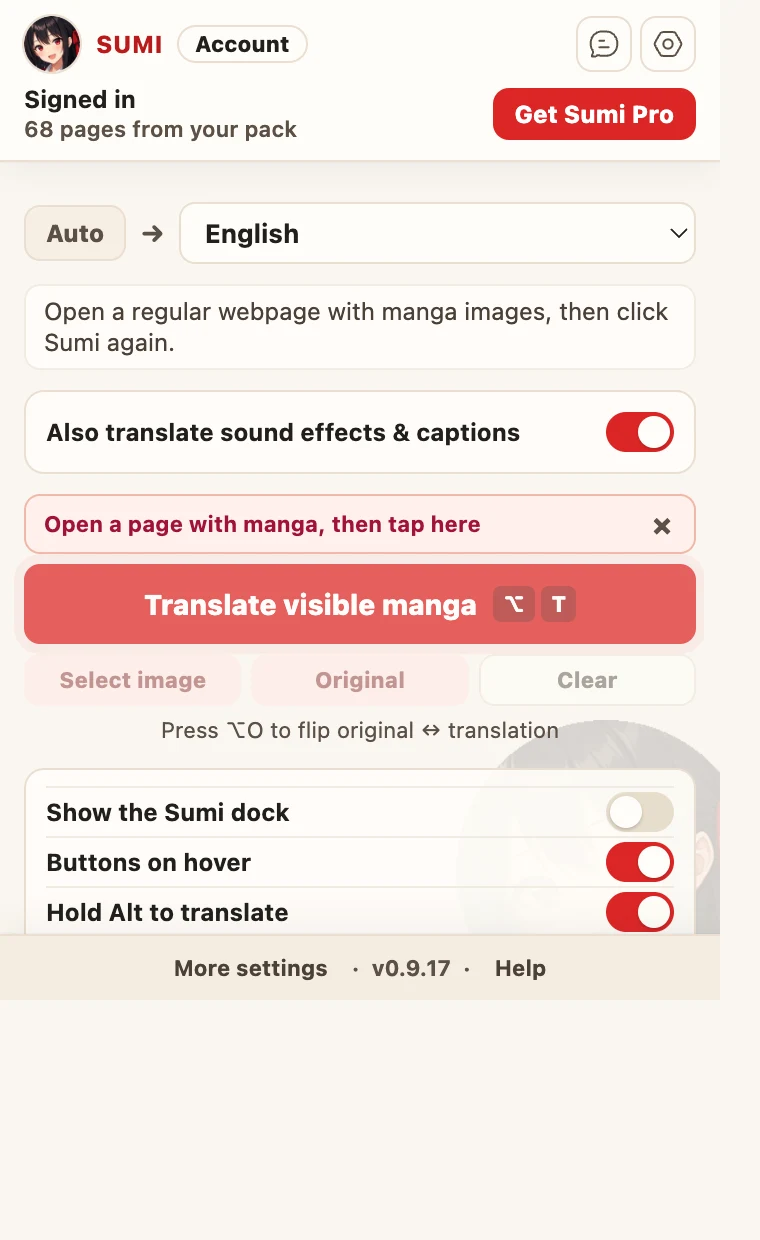
The popup, the button, and the dock
Set your target language once. After that, translate from whichever control is closest — the popup, the button that appears on the image, or the dock.

How to install the manga translator Chrome extension
Add Sumi from the Chrome Web Store in one click — free, auto-updates, and one page to try with no account (5 free pages when you sign up).
Install Sumi manually in Chrome
The direct build installs without the Chrome Web Store — it works even where the store is unavailable, and new versions land here first. It does not auto-update: come back here to update.
Install from the Chrome Web Store
The recommended way — one click, and it auto-updates. Works on any desktop Chrome browser.

Chrome extension vs online translator
Use the extension when you already have a chapter open in the browser. Prefer to upload a page file instead? Try the online manga translator — same engine, same re-lettering quality.
Sumi in your browser, at a glance
- Browsers
- Chrome, Edge and Firefox. On Safari, Sumi comes with the Sumi app for iPhone and iPad.
- On manga sites
- Cleans the original lettering, redraws the art underneath and typesets the translation — live, on the page you’re reading.
- Sites
- Works on 110+ real manga sites.
- Languages
- Translates into 134 languages.
- Free
- One page free with no account, then 5 free pages when you sign up.
FAQ: manga translator Chrome extension
Does Sumi work on any site?+
Sumi translates the visible manga images on the page you choose, when you click Translate. It does not crawl sites, follow links, or access manga sources on your behalf.
Do I need an account?+
You can translate one page free with no account. Sign up free at mangasumi.com for 5 more pages, then sign in from the extension and it connects automatically. The same Sumi account also works in the online translator, the Safari extension and the Sumi app on iPhone, iPad, Mac and Android — one subscription, one page balance.
What can Sumi see?+
Only the tab where you click Translate, and only the images you choose. Sumi never reads other tabs, collects browsing history, or runs in the background.
Is this legal?+
Use your own legally obtained chapters. Sumi only translates what you already have open — it never provides, hosts, or links to manga.
How do I install the manga translator Chrome extension?+
Open the Sumi listing on the Chrome Web Store and click "Add to Chrome" — one click, and it auto-updates from there. Then pin Sumi to the toolbar, open a manga page, click the Sumi icon, and press Translate. If you would rather run the direct build, the manual install guide walks through loading it as an unpacked extension.
How many pages can I translate for free?+
One page with no account at all. A free Sumi account adds 5 pages, plus 5 more you can claim every day. After that Sumi Pro is $6.99/month for 1,500 pages each billing month, on every device you sign in on, and you can cancel in two clicks.
Try the beta — new features land here first
Install the v0.9.21 beta (about a minute)5 free pages on sign-up · Try one with no account · Works with your own chapters