How fast does Sumi translate a manga page?+
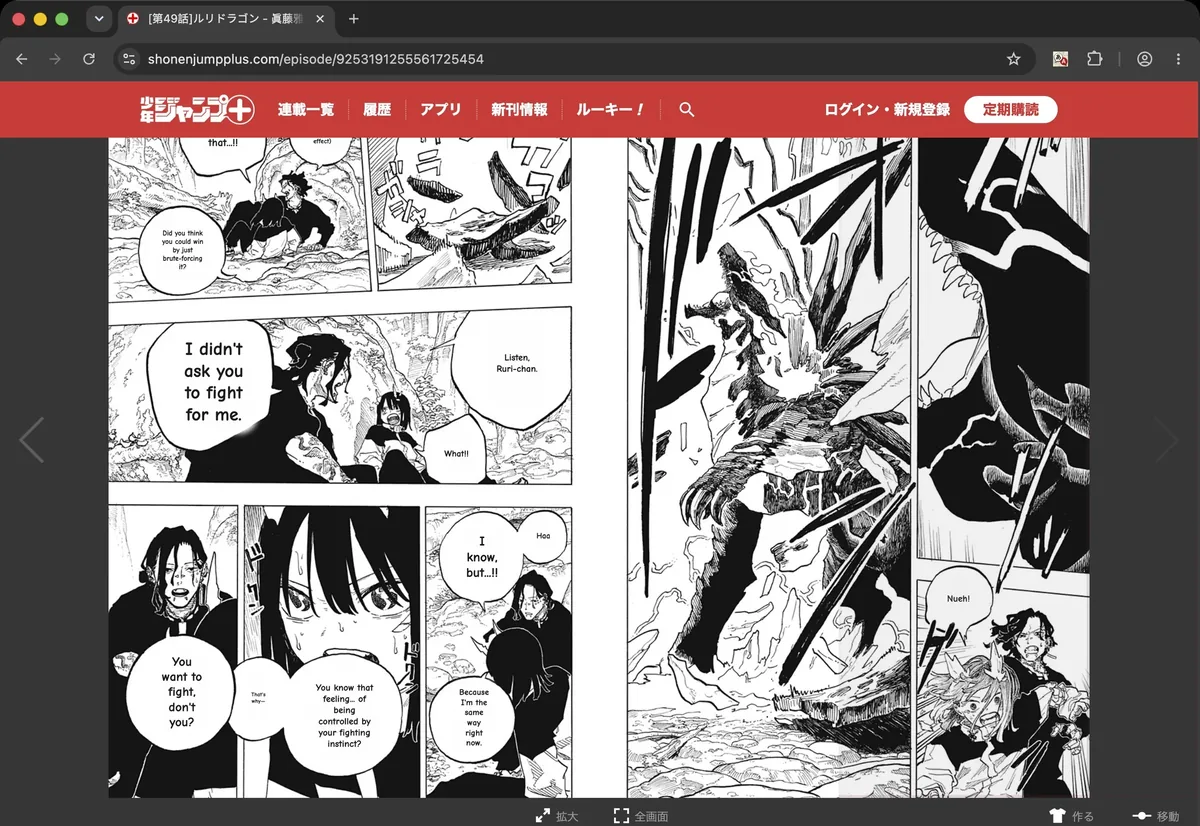
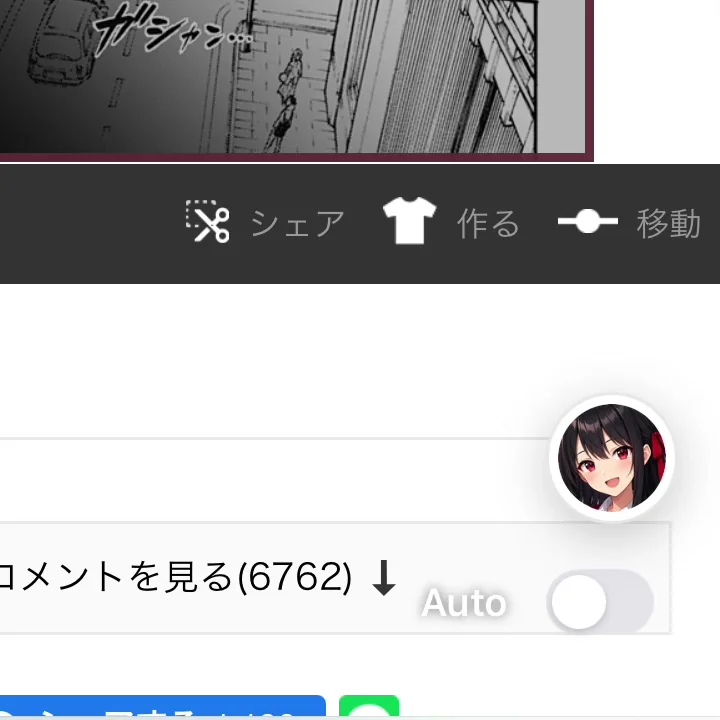
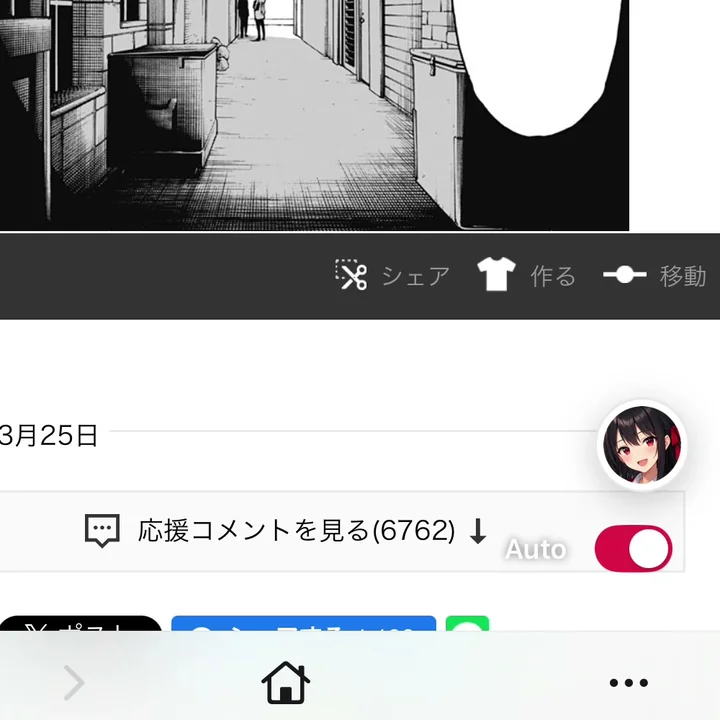
Usually in a few seconds. Sumi translates the page you already have open instead of downloading the whole chapter first, so there is no wait before you start reading. Most pages take 3–5 seconds to translate on our side; your connection adds to that, and a slow or high-latency network makes it longer. With Auto on, each page translates as you turn to it.
Do I have to upload or import a chapter first?+
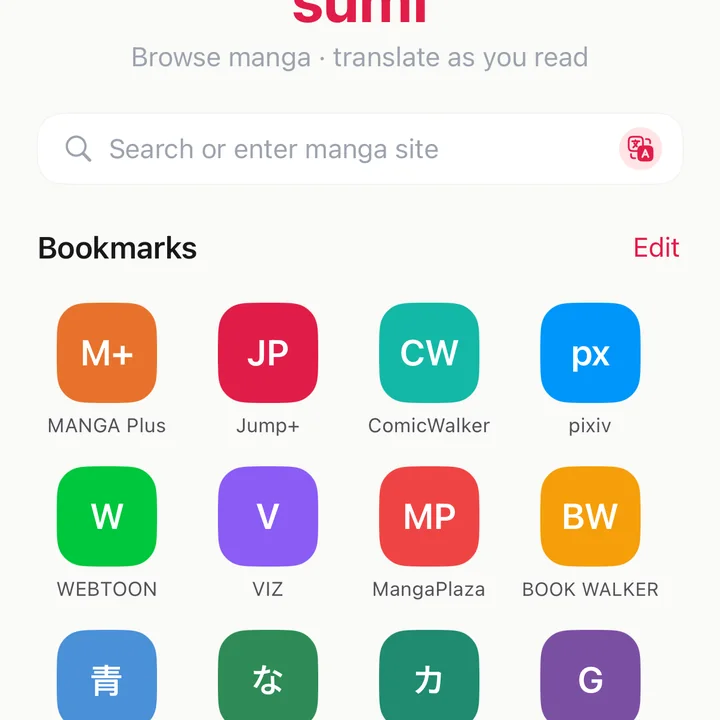
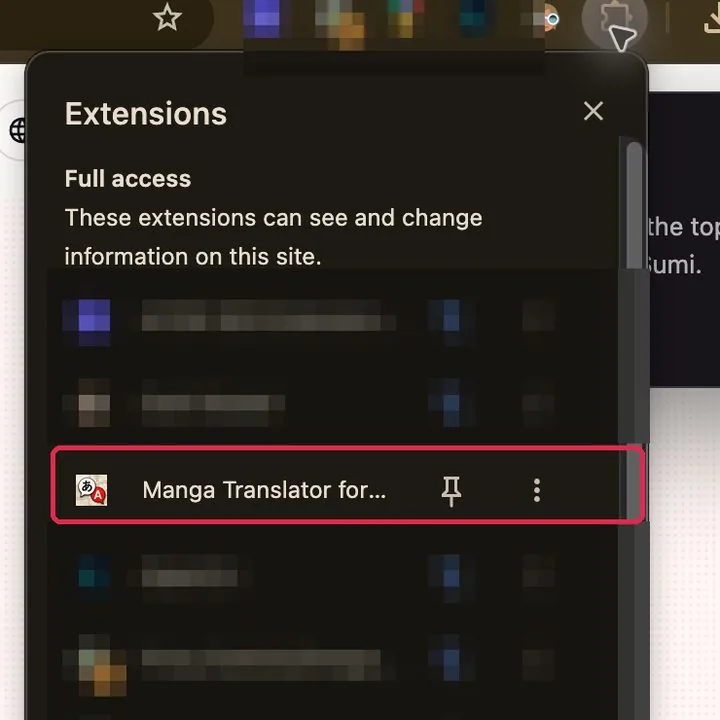
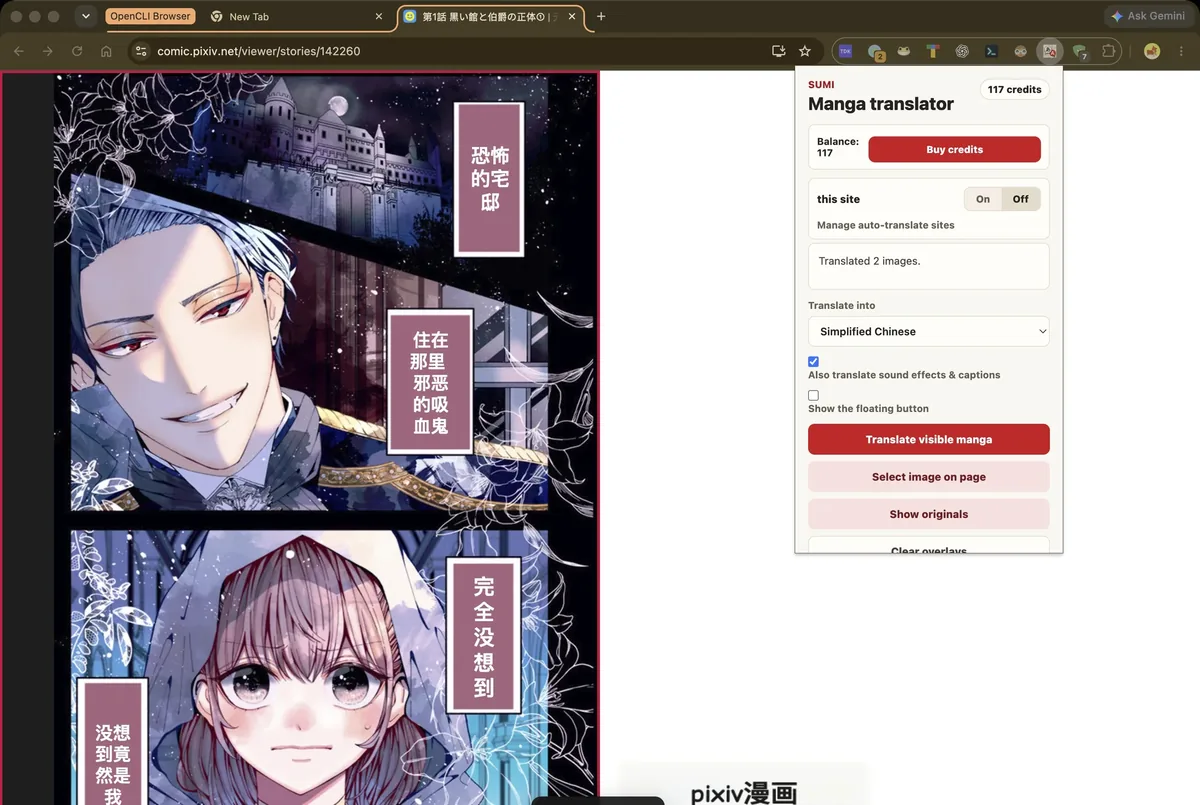
No. Open the chapter where you normally read it and tap Sumi — in the Sumi app, the Safari extension or the Chrome extension. Sumi translates the images already on the page, so there is no link to paste, no file to import and no chapter to wait for. Uploading is only for pages you already have as files, like a page a friend sent you.
Does Sumi work on sites that need a login?+
Yes. Sumi works inside your own browser, so it translates the page exactly as you see it, while you are signed in. Apps that fetch the chapter to their own servers usually cannot get past a login. Sumi only translates the page you opened; your account on that site stays between you and the site.
Is Sumi Manga Translator free?+
You can translate one page free with no account. A free account adds 5 more, and 5 more again every day you claim them. After that Sumi Pro is $6.99 a month, with a fair-use ceiling of 1,500 pages per billing month — about 21x what our heaviest reader uses, so normal reading never gets near it. Bigger plans go up to 12,000 pages a month. Going over does not cut you off — it falls back to any page balance you have.
Does it work on manhwa and webtoons?+
Yes — Japanese manga, Korean manhwa, Chinese manhua, webtoons and comics. Sumi reads Japanese, Korean and Chinese source text.
Do I need to install anything?+
No. The web translator runs in your browser with no account and no download. There are also Chrome and Safari extensions that translate the page you are already reading, and an app for iPhone, iPad and Mac.
Which sites does it work on?+
Any page you open yourself. We run against 30 official publisher platforms — Shonen Jump+, MANGA Plus, Comic Walker and more — and the extension translates the images already on the page. Sumi does not host, index, crawl or link to manga.
Does it work offline?+
On iPhone and iPad, yes. Download the model pack once and Sumi finds, reads, translates and erases text entirely on device, so nothing leaves your device. The web translator and the browser extensions need a connection.
Does it paste a text box over the artwork?+
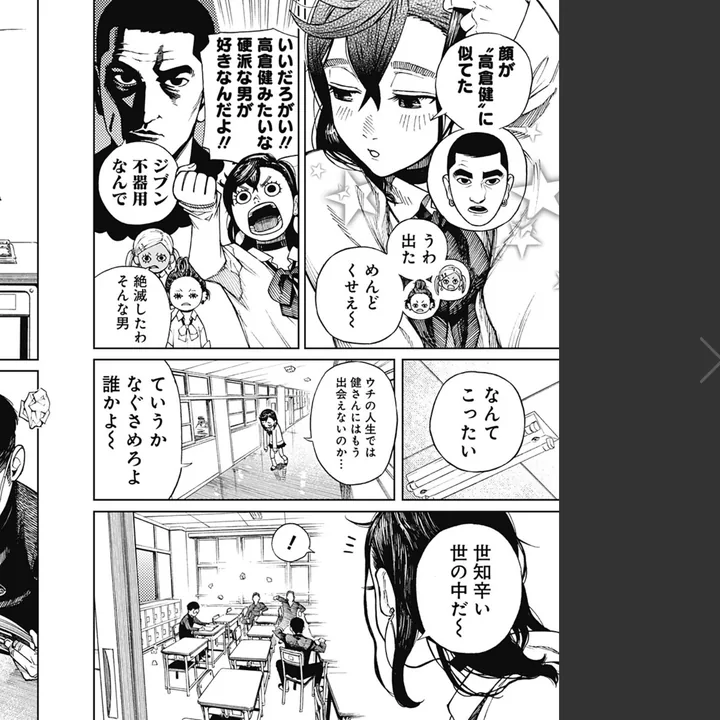
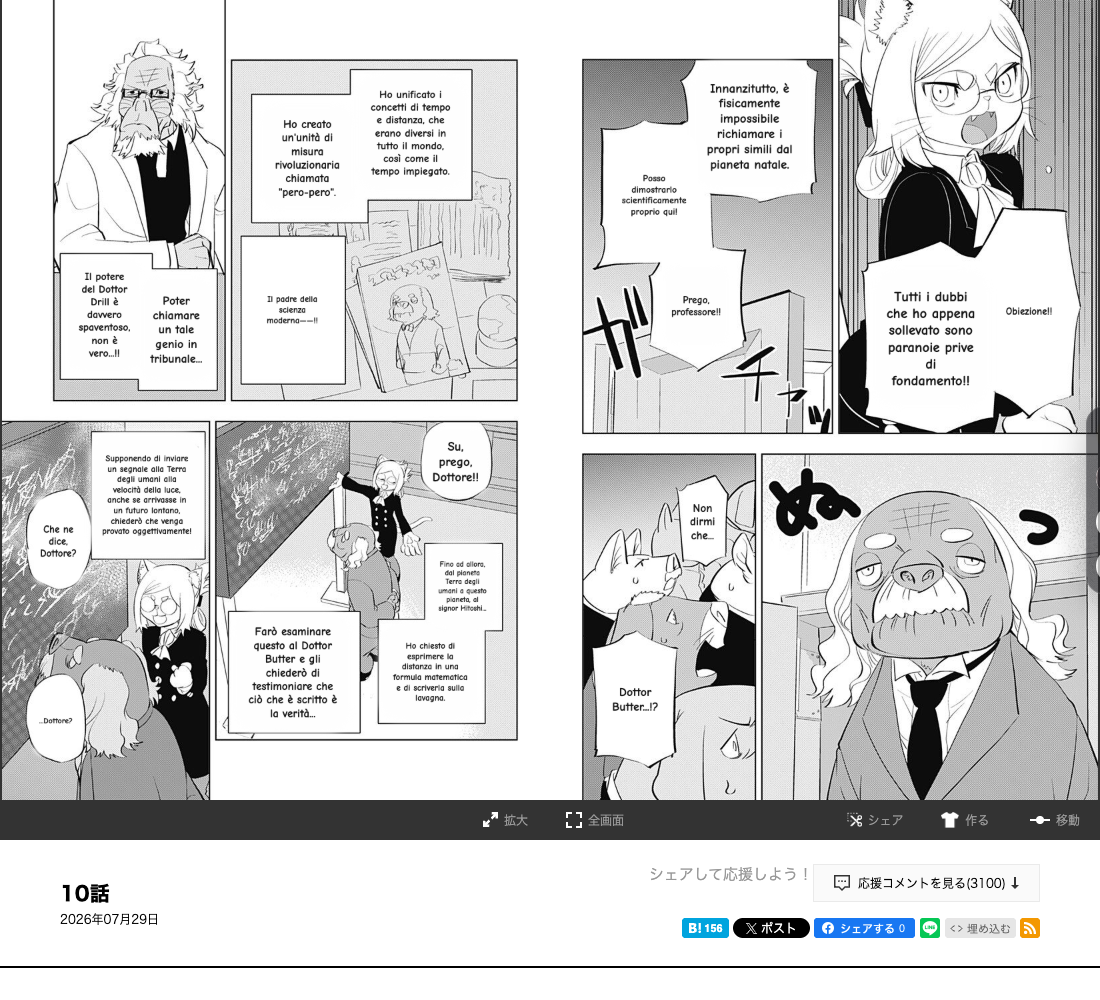
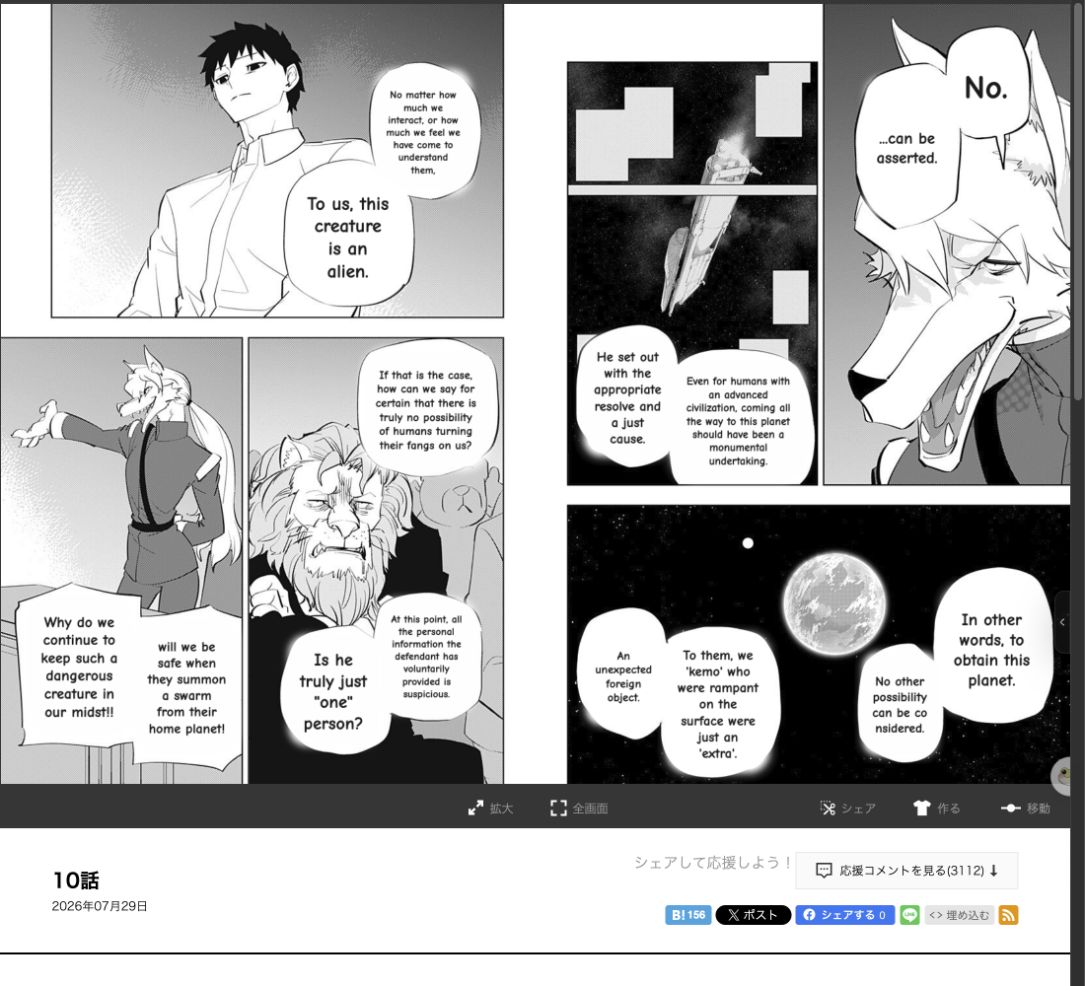
No. Sumi erases the original lettering and re-typesets the translation inside the same speech bubble, so the page still reads like a page. You can flip back to the original at any time.
Which languages can it translate into?+
134 languages, including English, Spanish, French, Portuguese, German, Italian, Dutch, Simplified and Traditional Chinese, Korean, Japanese, Russian, Indonesian, Vietnamese, Arabic, Thai and Turkish.
How do I translate manga to English?+
Open the page you want to read, then drop it into the translator above or hit the Sumi button in the browser extension. It finds the speech bubbles, reads the Japanese, Korean or Chinese inside them, erases it, and re-letters English into the same bubble. The first page costs nothing and needs no account.
Is there a free manga translator?+
This one. One page free with no account at all, 5 more when you make a free account, and 5 more to claim every day after that. There is no trial clock and no card. Sumi Pro only matters once you are reading enough to pass the free daily pages.
Can I download the translated page?+
Yes. Translate a page and hit Download translated page — you get a PNG at the original resolution with the translation lettered into the art, not a screenshot. Downloading needs a free account; translating does not.
Is there a manga translator app, or is it web only?+
Both. The web translator runs in any browser. There are Chrome and Safari extensions for the page you are already reading, and a Sumi app for iPhone, iPad and Mac that imports whole chapters and translates them offline. Sumi is also on Android (open testing on Google Play).
Does it work as a comic translator too, not just manga?+
Yes. The same detector handles Western comics, bandes dessinées and webtoon panels — anything where the text sits inside the artwork rather than beside it. Sound effects and handwritten margin notes are the hard cases, and Sumi marks the ones it is unsure about instead of inventing a line.
Can I translate a single manga image instead of a whole chapter?+
That is exactly what the tool above does — one image at a time, translated in place. Use it as a manga image translator for a page someone sent you, a screenshot you took, or a panel you cannot read. Paste from the clipboard works too.
How is this different from translating manga with Google Lens?+
Lens reads text and shows you a translation; it does not know what a speech bubble is. It leaves the original lettering underneath, breaks on vertical Japanese, and cannot follow a page in reading order. Sumi erases the original, keeps vertical Japanese vertical, and re-letters inside the bubble so the page still reads like a page.
Can I read raw manhwa and raw manga in my language?+
Yes — raw manhwa from Korean, raw manga from Japanese, manhua from Chinese. Open the raw chapter on the official platform that publishes it and translate the page in front of you. Sumi does not host, index or link to raw scans; it only translates a page you opened yourself.
Is it legal to use?+
Use chapters you have the right to read. Sumi only translates images on a page you open yourself — it does not host, index, crawl or link to manga, and it collects no browsing history.