A scanlation app for readers — the whole pipeline, automated.
Works right away — pick where you read.
- Online — nothing to installDrop in a page and read it translated. One page free, no account.Translate a page
- Browser extensionTranslates the manga site you’re already reading, right on the page.Add to Chrome
- iPhone & iPad appWhole chapters from the PDF, ZIP/CBZ, folders or photos you own.

 Open testing
Scanlation groups clean the raw, redraw the art, translate, and typeset by hand. Sumi does those steps automatically on the chapters you own: the original text is erased and your language re-typeset into the bubble, so the page still looks drawn. Sumi cleans, redraws and typesets the translation live on the manga site you’re reading — start without an account, and the bubbles appear one by one as they finish.
For personal reading · your own chapters only · no hosting, ever
Works on 110+ real manga sites
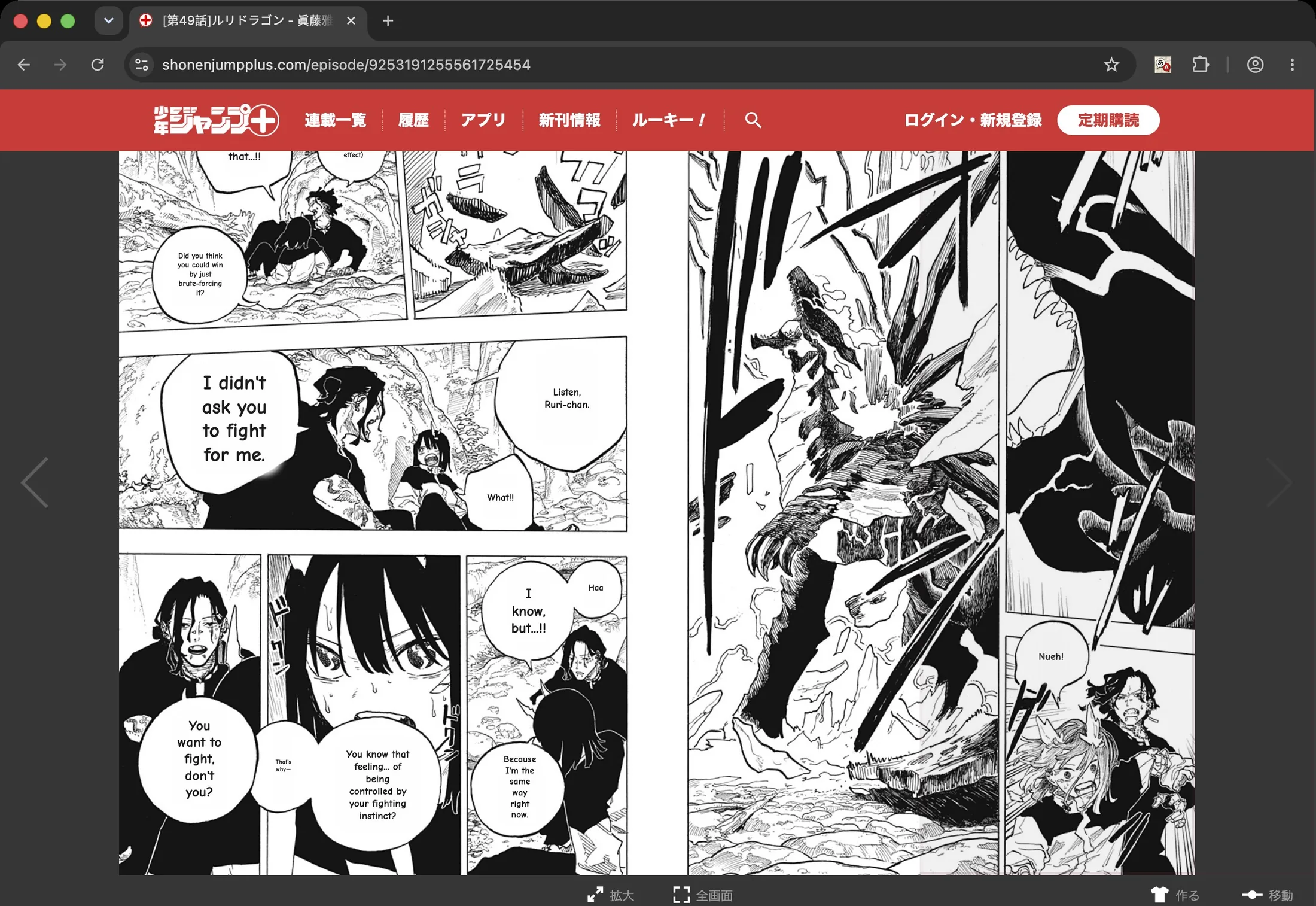
Checked by hand, site by site — these captures come straight from our runs on official publisher platforms. Install Sumi and open yours.
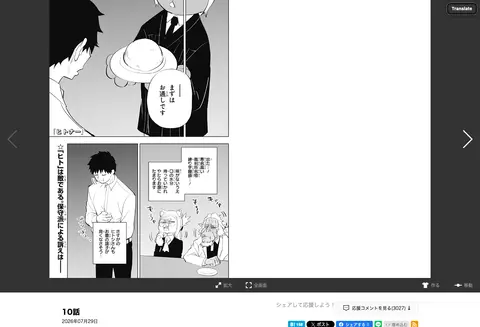
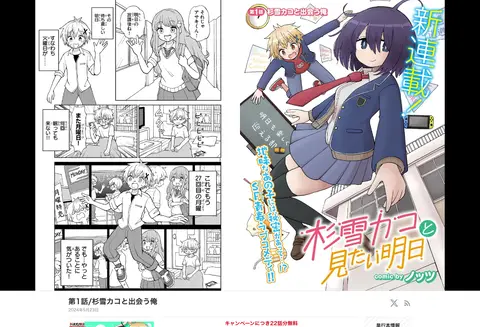
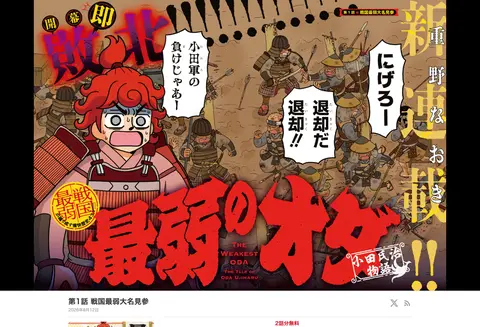
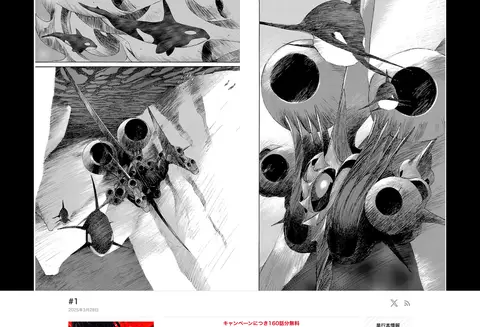
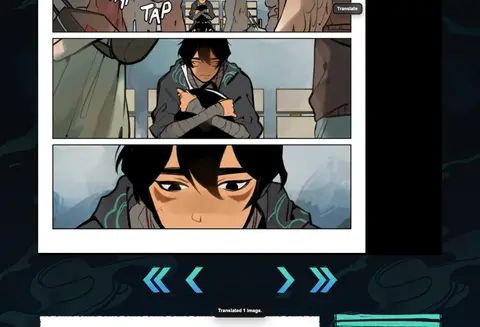
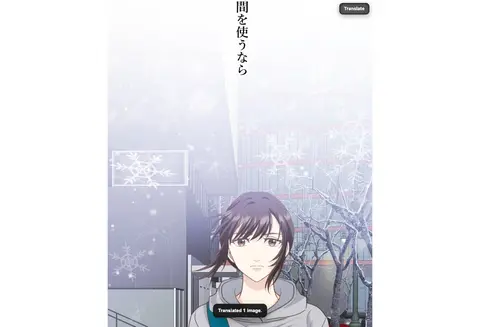
 shonenjumpplus.com
 mangaplus.shueisha.co.jp
 zebrack-comic.shueisha.co.jp
 jumptoon.com
 tonarinoyj.jp
 ynjn.jp
 rookie.shonenjump.com
 pocket.shonenmagazine.com
 comic-days.com
 yanmaga.jp
 kuragebunch.com
 manga-one.com
 corocoro.jp
 comic-walker.com
 comic.pixiv.net
 comico.jp
 ganma.jp
 global.manga-up.com
 championcross.jp
 youngchampion.jp
 younganimal.com
 comic-zenon.com
 comic-gardo.com
 comic-ryu.jp
 comic-growl.com
 comic-meteor.jp
 ichicomi.com
 mechacomic.jp
 booklive.jp
 viewer.heros-web.com
- and 80+ more
The Chrome extension translates these sites right on the page, and so does the built-in browser in the Sumi app for iPhone and iPad.
The steps a group does by hand, done in seconds.
Cleaning, redrawing, translating, typesetting — the reason scanlations look good is craft. Sumi’s AI manga translator automates that craft for your own reading copy.
Clean & redraw, automatically
The original lettering is erased and the art underneath restored — the cleaning and redrawing steps of scanlation, done by an inpainting model instead of hours in Photoshop.
Typeset back into the bubble
The translation is re-typeset inside the original bubble shape, vertical Japanese included — not a flat white box pasted over the panel.
Manga, manhwa & webtoons
Japanese, Korean, or Chinese source. Paged spreads read right-to-left; long webtoon strips get a continuous vertical reader.
Translate into any of 134 languages
Import the PDF, ZIP/CBZ, folders, or photos you own and pick your language. Sumi never hosts or crawls anything — it only translates what you open.
Vertical strips get the same treatment.
Korean manhwa and webtoon raws are cleaned and re-lettered the same way, then read in a continuous vertical scroll built for the format — no page breaks chopping the strip.
More on webtoons & manhwaSumi, at a glance
- Browsers
- Chrome, Edge and Firefox. On Safari, Sumi comes with the Sumi app for iPhone and iPad.
- On manga sites
- Cleans the original lettering, redraws the art underneath and typesets the translation — live, on the page you’re reading.
- Sites
- Works on 110+ real manga sites.
- Languages
- Translates into 134 languages.
- Import
- PDF, ZIP, CBZ and EPUB import in the iPhone and iPad app.
- Free
- One page free with no account, then 5 free pages when you sign up.
Scanlation apps, answered
What is a scanlation app?+
Scanlation is the fan practice of scanning and translating comics by hand: cleaning the raw page, redrawing art under the text, translating, and typesetting the result back into the bubbles. A scanlation app automates that pipeline. Sumi does exactly this — erase, translate, re-typeset in place — on the chapters you own, for your own reading.
Is Sumi a scanlation site? Can I read scanlations here?+
No. Sumi never hosts, crawls, or links to manga — there is nothing to browse. It is a tool that translates the pages you already have the right to read: your purchases, official free chapters, or public-domain titles.
Is scanlation legal?+
Distributing scanlated chapters of licensed manga is copyright infringement in most countries — that is why release sites live in a legal gray-to-black zone. Translating a page you legally own, for your own reading, is a different activity, and it is the only use Sumi is built for: no hosting, no distribution, just your personal reading copy.
Can scanlation groups use Sumi to release chapters?+
Sumi is built for readers, not for producing releases. The output is your personal reading copy. If you letter fan projects, the etiquette and legality of distribution are on you — Sumi does not add watermark-free export workflows for republishing.
Does it handle webtoon scanlation formats too?+
Yes. Korean manhwa and long vertical webtoon strips are supported alongside Japanese manga and Chinese manhua, with a continuous vertical reader built for the format.
How is the typesetting quality compared to a scanlation group?+
Sumi erases the original lettering and re-typesets the translation inside the original bubble shape — vertical Japanese included — so the page keeps looking drawn. A careful human letterer can still beat any tool on tricky sound effects; when a line or placement reads wrong, you fix that one bubble in a tap.
Which devices does it run on?+
iPhone, iPad, and Apple Silicon Macs through the App Store app; Android (open testing on Google Play); plus any desktop browser through the online translator and the Chrome extension. On an Android phone the browser translator also works with nothing to install.
What does it cost?+
Your first 5 pages are free (plus one page with no account in the browser), and you can claim 5 more every day after that. After that, Sumi Pro is $6.99/month for 1,500 pages each billing month on the web and in the Chrome extension, and you can cancel in two clicks. Bigger plans go up to 12,000 pages a month. The iPhone app has no subscription — page packs, plus a one-time offline buy-out for unlimited on-device translation.
Open testingFree to start · Cancel in two clicks · Compare manga translators