Sumi vs Ichigo Reader: which one leaves the art alone?
Both translate manga with AI. The difference you actually see is what lands on the page: Sumi erases the original lettering and re-typesets your language inside the balloon, vertical Japanese kept vertical. And it works on the site you are already reading, not only on files you upload.
We build Sumi — read this as our side, then try both on the same page.
Side by side
Ichigo Reader claims below come from its own public listing as of July 2026; check its site for current details.
| Sumi | Ichigo Reader | |
|---|---|---|
| Pricing model | Web: Sumi Pro $6.99/month for 1,500 pages each billing month, up to 12,000 on the largest plan, cancel in two clicks. iPhone and iPad: no subscription at all — page packs plus a one-time offline buy-out. | “Subscription service with a free trial” (its own App Store listing). Current plans on its site. |
| Free to try | 1 page with no account, 5 free on sign-up, 5 a day to claim — no card. | Free trial, per its listing. |
| Typesetting | Original text erased, translation re-typeset inside the bubble — vertical Japanese kept vertical. | Try a page on its site and compare the output yourself. |
| Offline translation | One-time buy-out for unlimited on-device translation (iPhone/iPad). | Not advertised in its public materials. |
| Platforms | iPhone, iPad, Mac (Apple Silicon), Android (open testing on Google Play), web, Chrome & Safari extensions. | iOS app and web upload, per its public materials. |
| Where it translates | The chapter you are already reading, in place, via the Chrome or Safari extension — plus your own files (PDF/ZIP/CBZ/photos) and web uploads. | PDF, ZIP, and image uploads, per its listing. |
| Fixing a bad line | Tap the bubble, edit the text in place; glossary keeps names consistent. | See its site. |
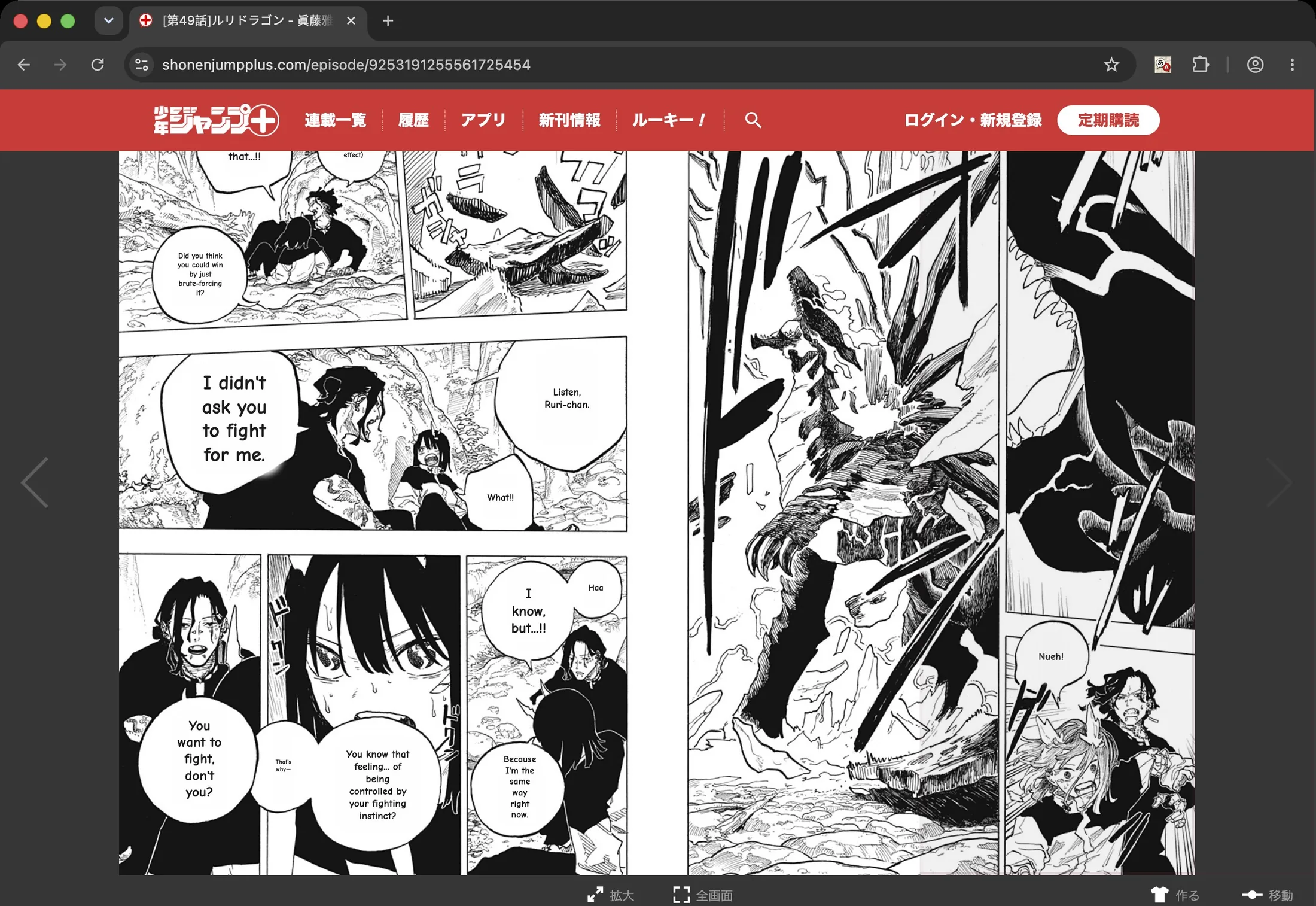
The translation goes in the art, not on top of it.
Most tools paste a white box over the balloon and set the translation inside it — readable, but the page stops looking drawn. Sumi wipes the original lettering and re-typesets your language into the balloon shape that was already there. Run the same page through both; this is the difference you see first. The free daily pages cover it, so you can do that before spending anything.
Sumi vs Ichigo, answered
What is the main difference between Sumi and Ichigo Reader?+
What lands on the page, and where it works. Sumi erases the original lettering and re-typesets the translation inside the original balloon — vertical Japanese kept vertical — so the page still looks drawn. And the Chrome and Safari extensions translate the chapter you are already reading on its own site, not just files you upload. Both are paid: Sumi Pro is $6.99/month on the web, cancel in two clicks, while the iPhone app has no subscription at all — page packs plus a one-time offline buy-out.
How do I cancel the Ichigo manga translator subscription?+
If you subscribed through the iOS app: Settings → your name → Subscriptions → Ichigo, then Cancel. If you subscribed on their website, cancel from your Ichigo account settings. Cancelling stops renewal but usually keeps access until the period ends — check their terms for specifics.
Does Sumi paste boxes over the art?+
No. Sumi erases the original lettering and re-typesets the translation inside the original bubble shape — vertical Japanese included — so the page keeps looking drawn. Tap any bubble to see the original or fix the wording.
Can I try Sumi before paying anything?+
Yes — translate one page in the browser with no account at all, and your first 5 pages are free when you sign up or install the app. No card required.
Does Sumi work offline?+
On iPhone and iPad, a one-time buy-out unlocks unlimited on-device translation — no per-page cost and nothing leaves your device. Cloud translation is separate: free to start, then Sumi Pro on the web or page packs in the app.
Is this comparison fair?+
We build Sumi, so read it as our side of the story. Every claim about Ichigo Reader here comes from its own public listing as of July 2026; current prices and features are on their site. The honest advice: both have free ways to try one page — run the same page through each and compare.

 Open testing
Free to start · Cancel in two clicks · See the full tool comparison